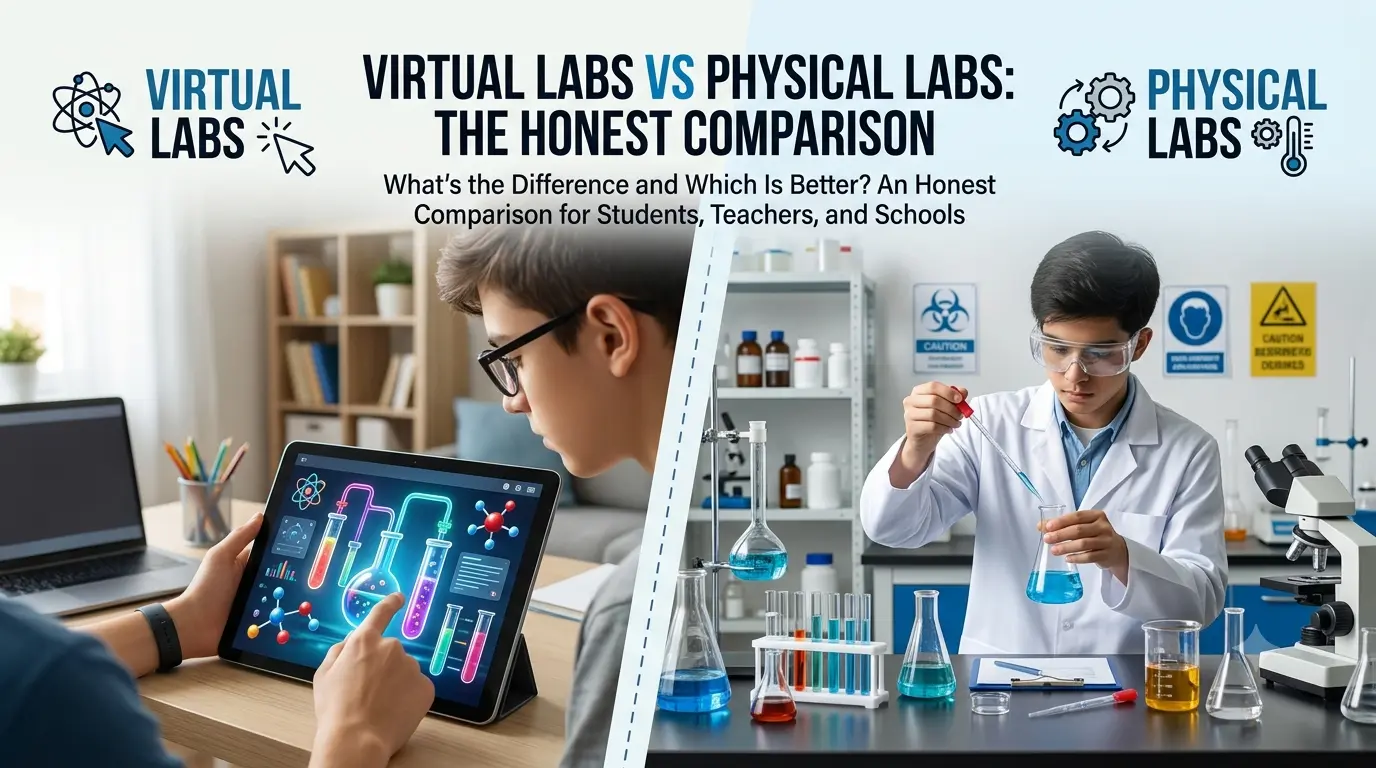
Lab periods are short. Equipment gets shared. Some experiments need chemicals or setups that aren't always available. And if you're studying at home, there's often no lab at all.
Free virtual science labs exist to fill that gap — and if you're a Class 6 to 12 student or a secondary school teacher, there are now genuinely good browser-based options that don't require a download, a subscription, or a school IT department to set up.
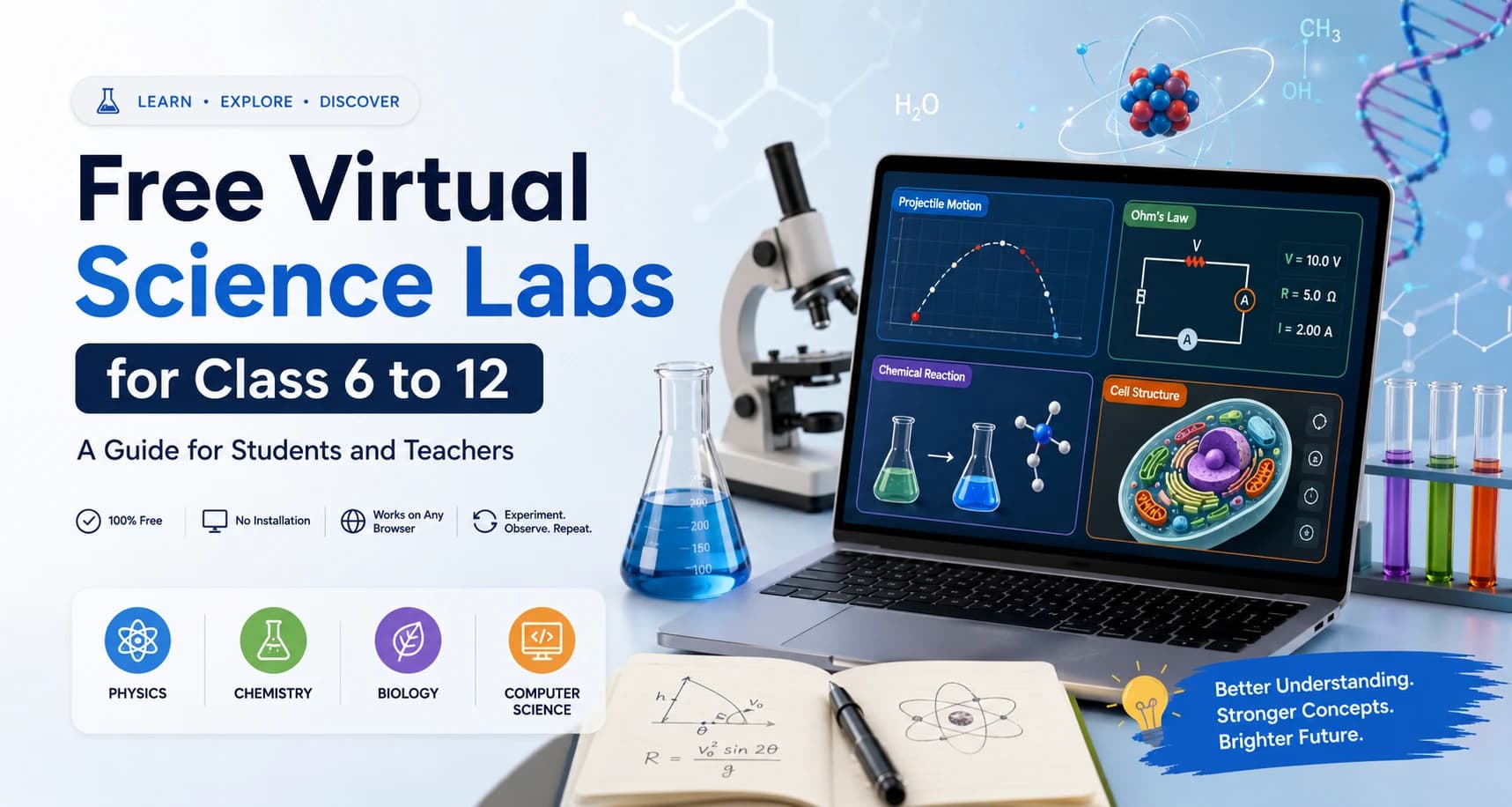
TL;DR: Free virtual science labs for Class 6 to 12 are browser-based simulations that let students run guided experiments in physics, chemistry, biology, and computer science without a physical lab setup. The best ones work on any modern browser, require no installation, and let students adjust variables, observe results, and repeat — exactly like a real lab, minus the logistics.
Why Secondary Students Specifically Need Good Virtual Labs
The science curriculum from Class 6 through Class 12 covers a wide range of concepts that are genuinely hard to understand from diagrams and definitions alone. Projectile motion, Ohm's Law, chemical bonding, cell organelles, logic gates — these are topics where seeing the system respond to a change matters more than reading about it.
Physical labs help, but they come with constraints that are familiar to most students and teachers:
- Lab periods are scheduled and often short, leaving little time to repeat an experiment.
- Equipment is shared — not every student gets hands-on time in a 40-student class.
- Some experiments, particularly in chemistry, need materials that many schools can't provide consistently.
- For students preparing for board exams or competitive entrance tests, lab revision outside school hours is rarely possible in a physical setting. Virtual labs address all of these directly. A student can run a free-fall simulation at 10 PM the night before an exam, restart it five times with different values, and observe the pattern across all five runs — something a single physical lab session rarely allows.
What to Look for in a Free Virtual Lab for Class 6 to 12
Not all online science simulations are equally useful for secondary school students. Here's what separates the ones worth using from the ones that are just animations with no real learning value:
Adjustable variables with real feedback. The lab should let you change a specific input — launch angle, resistance, reactant quantity, light intensity — and show you how the output responds. If the visual doesn't change meaningfully when you change the input, it's an animation, not a simulation.
Guided structure. A good lab for secondary students includes a stated aim, a method, and prompts for recording observations. Without this, students tend to click randomly rather than investigate systematically.
No software barrier. If a platform requires downloading an app, or running Java or Flash, that's a real friction point in a classroom or home setting. Browser-based means open-the-link-and-start.
Subject and class alignment. The simulation should map to what students are actually studying — ideally, topics covered in standard secondary curricula across boards. A Class 9 student looking for an Ohm's Law practical, or a Class 11 student needing projectile motion, should be able to find and use the relevant lab without hunting through unrelated content.
Computer science coverage. Most lab platforms focus on physics, chemistry, and biology. For Class 6 to 12 students increasingly studying computer science — logic gates, HTML/CSS, programming fundamentals — this gap is worth noting. Platforms that include CS labs alongside science labs are more useful for this cohort.
Subject-by-Subject: What Free Virtual Labs Cover for Class 6 to 12
Physics
Physics has the strongest coverage across most virtual lab platforms, partly because physics simulations are easier to model accurately and partly because the visualizations — a projectile tracing its arc, a circuit responding to resistance changes — are inherently clear.
In a free physics virtual lab, Class 6 to 12 students can typically explore:
- Free fall and projectile motion — change launch angle, initial speed, or height and watch how range, time, and trajectory respond. This is one of the most effective uses of a physics simulation because the cause-and-effect relationship is immediately visible.
- Ohm's Law — adjust voltage and resistance in a circuit model, watch current values update in real time, and connect the observed pattern to V = IR before or after the formula appears in class.
- Waves and optics — wavelength, frequency, slit distance, and diffraction patterns are all concepts that benefit from real-time visual feedback more than static diagrams.
- Simple harmonic motion — pendulum length, mass, and amplitude are easy to manipulate and compare across multiple runs.
Chemistry
Chemistry simulations are valuable for exactly the topics where physical lab access is most limited: reactions involving hazardous materials, processes that happen at scales too small or too fast to observe directly, and structural concepts that textbook diagrams flatten into two dimensions.
In a free chemistry virtual lab, students across Class 6 to 12 can explore:
- Chemical bonds — how atoms share or transfer electrons to form covalent and ionic structures, with visual representations of the resulting geometry.
- Reaction models — how reactants combine and what products form under selected conditions, without handling anything hazardous.
- Periodic table — element properties, group trends, and atomic structure, navigable as an interactive reference rather than a printed chart.
- Acid-base and equilibrium concepts — useful for Class 11 and 12 students who need to visualize what happens at a molecular level in reactions they're solving mathematically.
Biology
Biology's challenge for virtual labs is that the most important structures — cells, organelles, anatomical systems — are either microscopic, internal, or both. A good biology simulation compensates by letting students zoom, label, rotate, and revisit structures at their own pace.
In a free biology virtual lab, Class 6 to 12 students can explore:
- Animal and plant cells — labelled organelle models with zoomed views, helping students distinguish structures and functions that look identical in a flat textbook diagram.
- Human anatomy systems — circulatory, digestive, nervous — navigable and re-viewable outside the constraints of a single classroom period.
- Photosynthesis and cellular respiration — process models showing how inputs (light, glucose, oxygen) lead to outputs under different conditions.
Computer Science
This is where most traditional virtual lab platforms have a gap. For Class 6 to 12 students who are now studying computer science as a core or elective subject, browser-based CS tools are just as important as science simulations.
In a free computer science virtual lab, students can explore:
- Logic gates — AND, OR, NOT, NAND, NOR — by switching binary inputs (0 and 1) and watching outputs change, building intuition for digital circuits before tackling Boolean algebra formally.
- HTML/CSS/JS editing — a live browser-based code editor where students change one line and immediately see the webpage respond. This is the computer science equivalent of the adjust-and-observe loop from physics or chemistry.
- Programming fundamentals — for students just beginning to code, an in-browser environment with no installation requirement removes the single biggest friction point in a school CS class.
How Teachers Can Use Free Virtual Labs in Class 6 to 12 Classrooms
For secondary school teachers, virtual labs work best as a structured activity with a clear outcome — not as something to drop in front of students and leave running. Here's a classroom flow that works consistently:
Before class: Identify the one concept the lab will reinforce, not the whole chapter. If the objective is "students will understand how changing resistance affects current," the lab should stay focused on that, not spiral into a full electricity unit.
During class:
- Open with the concept question: "What do you think will happen to current if we double the resistance?"
- Ask students to write a prediction before touching the simulation.
- Run the lab — individually, in pairs, or projected for the class to observe together.
- Record the result and compare it to the prediction.
- Ask students to explain the result in one sentence using the relevant term (resistance, current, voltage, etc.). After class: Assign a short follow-up — a second variable to test at home, or a written explanation of one observation from the lab. Since the lab is online, students can revisit it without any classroom setup.
For practical exam preparation specifically, virtual labs are useful for helping students understand the procedure and expected observations of practicals they'll perform — so when they do get physical lab access, they already know what they're looking for.
OpenLabs: Free Browser-Based Labs for Class 6 to 12
OpenLabs is a free virtual lab platform built specifically for secondary and senior secondary students, covering physics, chemistry, biology, and computer science. Every lab runs directly in a modern browser — no subscription required to explore, no software to install.
What makes it relevant for Class 6 to 12 students in particular:
-
Labs are built around the kinds of concepts that appear in standard secondary curricula — free fall, Ohm's Law, chemical bonds, cell structure, logic gates — not generic or elementary-level content.
-
Computer science labs are included alongside science labs, covering the gap that most other platforms leave open.
-
The platform is designed around the adjust-observe-repeat loop, with guided structure to keep sessions focused rather than just exploratory clicking. Start with the subject you're studying right now: