You want to understand projectile motion, chemical reactions, or logic gates — but you don't always have a physical lab, materials, or a full class period to test the idea.
That's exactly where interactive online experiments help.
TL;DR: Edtech labs are browser-based learning spaces where students run guided science, technology, engineering, and mathematics experiments through interactive simulations. They let learners test concepts, watch real-time changes, and practice lab thinking without special software or physical materials.
Edtech Labs Turn STEM Concepts Into Interactive Practice
Edtech labs make science learning more active by letting students experiment with concepts instead of only reading about them. In a virtual lab, a learner changes a variable, runs a simulation, observes the result, and repeats the process until the pattern starts to make sense.
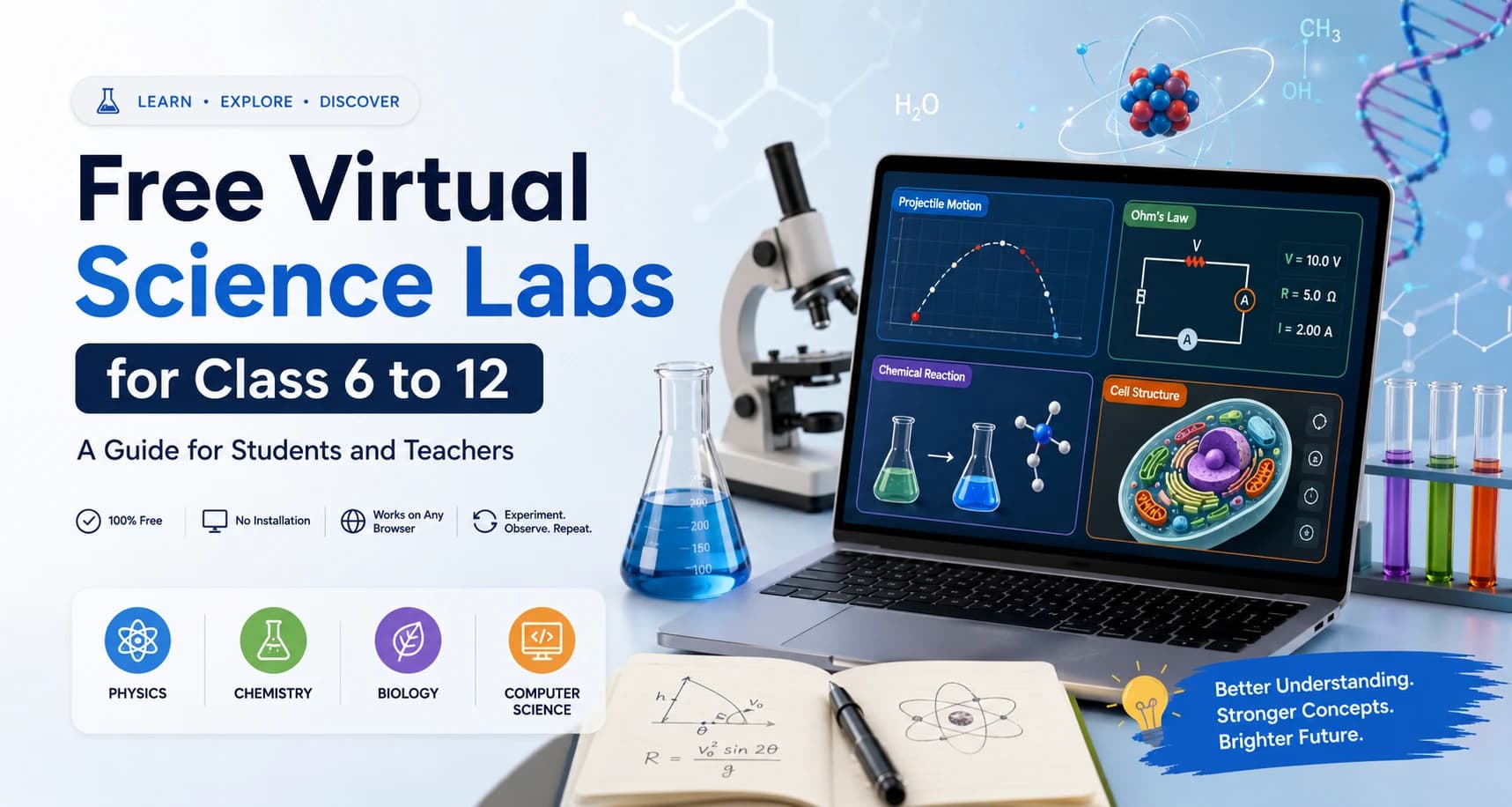
OpenLabs is built around exactly this idea: a free, browser-based virtual lab platform where students, teachers, and self-learners get hands-on, experiment-led practice in physics, chemistry, biology, and computer science.
A virtual lab isn't just a video or a digital worksheet. It's usually built around a simulation — a computer-based model of a real concept or process. A projectile motion simulation might let you change launch angle and speed, then watch how the path changes. A reaction simulator might show how substances interact under selected conditions. A logic gates activity might let you test how digital circuits respond to different inputs.
The key difference is control. In a textbook diagram, the result is fixed. In an interactive lab, the learner can ask "what if?" and test that question in seconds. What happens if resistance increases in an Ohm's Law activity? What changes if the angle of release is lower in a free-fall task? What pattern appears when a plant cell is compared with an animal cell?
That repeat-test-observe cycle is one of the strongest reasons edtech labs are useful. Students often need more than one attempt to connect a formula, diagram, or definition to what's actually happening. A browser-based lab gives them space to try again without waiting for equipment, resetting materials, or worrying about wasting chemicals.
For teachers, the same format supports classroom use. You can introduce a concept, ask students to predict an outcome, run the simulation, and then discuss why the result matched or challenged the prediction. That works especially well for topics where the invisible part of science matters — electric current, chemical bonding, wave behavior, or cell structure.
What Makes a Virtual Science Lab Useful?
A useful virtual science lab gives learners control, guidance, feedback, and a clear link between action and result. Without those pieces, an online activity feels like clicking through a screen rather than doing an experiment.
Control matters because science is built on variables. In a physics lab, students might change mass, height, distance, time, voltage, or resistance. In chemistry, they might compare elements, bonds, or reaction conditions. In biology, they might examine structures and relationships. In computer science, they might test code or logical inputs. The lab becomes meaningful when a student can adjust one part and see how the system responds.
Guidance matters because students shouldn't be left guessing what to do next. A strong lab includes step-by-step instructions, a stated aim, a method, and a way to record observations — similar to a physical lab sheet, but positioned right beside the simulation so the learner isn't switching between resources.
Feedback matters because students need to know whether their thinking is on track. This often comes through real-time visualizations — moving or changing visuals that show what's happening as the experiment runs. In a wave optics activity, the pattern shifts as wavelength or slit distance changes. In an electrical circuit activity, current or voltage values update as resistance changes.
The link between action and result is where learning becomes clear. If a student changes a single variable and the graph, animation, or output updates immediately, the cause-and-effect relationship is easier to notice. That's especially helpful for learners who struggle with abstract formulas — Ohm's Law, for instance, is usually written as V = IR, but the relationship clicks faster when voltage, current, and resistance can actually be dragged around and watched. Seeing a value change in real time makes a formula feel less like a line to memorize and more like a rule that describes a pattern.
Good virtual labs also respect safety and access. They're designed to safely replicate real lab concepts without physical materials, chemicals, or associated hazards. That doesn't mean they replace every physical lab requirement in every course — it means they support practice, preparation, revision, and concept-building when a physical lab isn't available, or when a teacher wants students to explore an idea before handling equipment.
Browser-Based Labs Remove Common Barriers to STEM Practice
Browser-based labs make STEM practice easier to start because learners can run experiments online without installing special software. For many students and teachers, that simple access point matters more than it sounds like it should.
A common problem with digital learning tools is setup. If a platform requires downloads, large files, device-specific apps, or complicated installation steps, the lesson can get stuck before the experiment begins. Browser-based labs cut that friction because the activity runs directly inside a modern web browser — useful in classrooms, at home, or during independent study.
Device expectations still matter, though. Browser-based doesn't mean every module works equally well on every device. Labs designed for desktop or tablet use may not feel the same on a small phone screen, especially when sliders, graphs, 3D objects, or detailed diagrams are involved. Some advanced 3D modules also perform best on recently updated browsers.
For teachers, this affects planning. If a class is using shared tablets or computer lab systems, test the activity before the lesson. Check loading time, screen size, audio if used, and whether students can easily read labels or enter values. A five-minute check can prevent a full-period activity from turning into device troubleshooting.
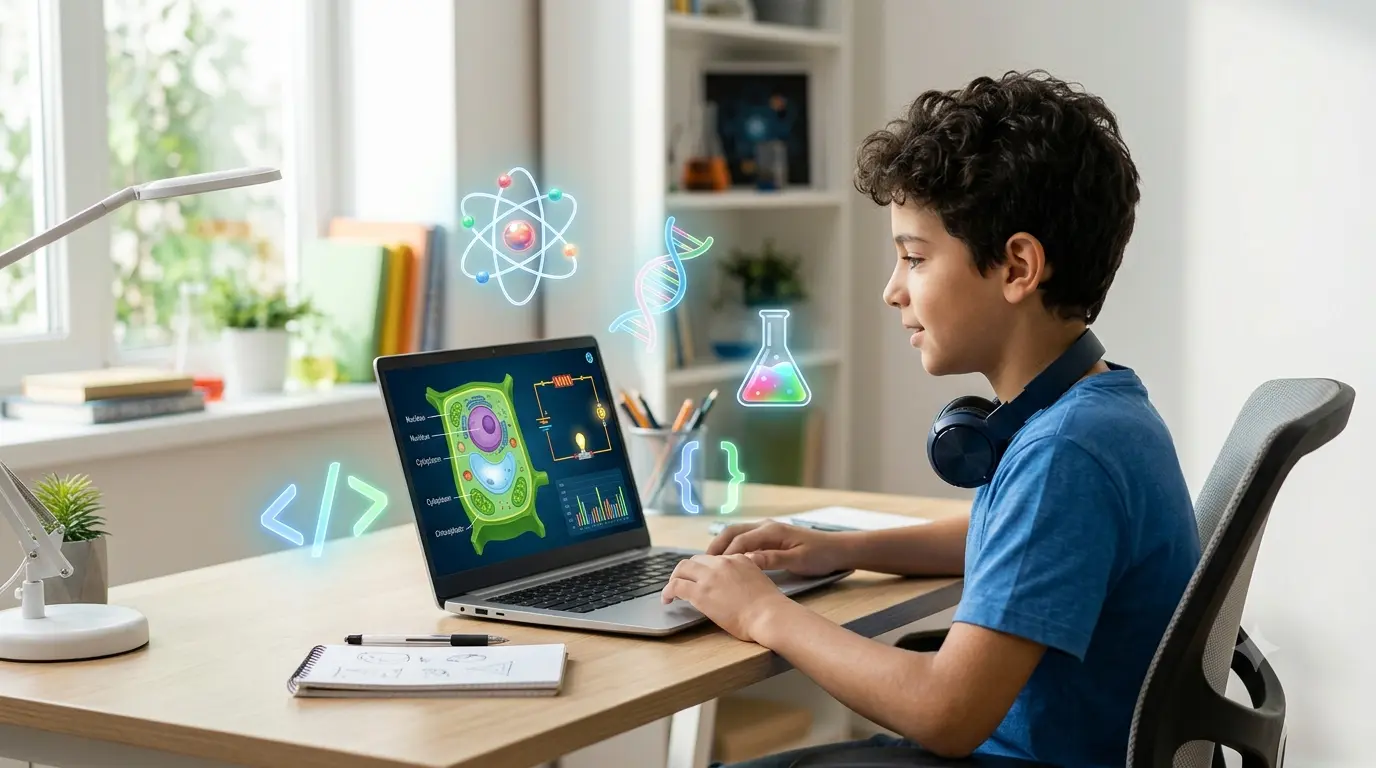
For students, browser-based access supports short, focused study sessions. A learner can spend 15 minutes testing projectile motion variables, reviewing the periodic table, or practicing HTML/CSS/JS in an online code editor. That kind of repeatable practice works well for topics that need visual confirmation, not just notes.
Virtual science labs also help when physical lab time is limited. In many schools, lab periods are scheduled, equipment is shared, and certain experiments need supervision. A virtual version can be used before the physical session to prepare students, or after it to review what happened. This can make the actual lab period more productive, because students arrive already clear on the aim, the variables, and what they expect to observe.
How Can Students, Teachers, and Self-Learners Use Edtech Labs Well?
Students, teachers, and self-learners get better results from edtech labs when they use them with a clear question — not just as an activity to click through. The best starting point is a simple investigation question: "How does resistance affect current?" or "What happens to a projectile's range when the launch angle changes?"
Students can use virtual labs to prepare for class, revise after a lesson, or test a concept that felt confusing in notes. Instead of memorizing V = IR first, a student can adjust voltage, current, and resistance in a circuit model, observe the pattern, and then connect it back to the equation.
Teachers can use edtech labs as part of lesson plans, homework, demonstrations, or assessment tasks. A common approach: start with a short prediction activity, let students run the simulation in pairs, then ask them to explain what changed and why. This works well because students have to make a claim, test it, and support it with observations.
Self-learners can use virtual labs to build a study routine. A simple structure helps: choose one concept, run one simulation, write three observations, and answer one follow-up question. That turns an online experiment into active study rather than passive screen time.
A practical lab routine looks like this:
- Start with one question — "How does changing height affect fall time?"
- Change only one variable at a time so the result is easier to read.
- Record values, observations, or screenshots when useful.
- Repeat the experiment at least three times with different inputs.
- Write a short explanation in your own words after the activity. Computer science labs follow the same logic. In an HTML/CSS/JS editor, students change one line of code and observe how the page behaves. In a logic gates simulation, they switch inputs between 0 and 1 and watch how gates like AND, OR, and NOT produce different outputs — a logic gate being a basic digital circuit element that takes one or more inputs and returns an output based on a fixed rule.
The main point is to slow down enough to think. Interactive labs are fast, but learning still depends on noticing patterns, recording evidence, and explaining results. A student who clicks quickly through ten simulations may learn less than one who spends 20 minutes carefully testing a single one.
Virtual Labs Work Best When They Support, Not Replace, Good Science Learning
Virtual labs are most effective as part of a wider learning process that includes questions, explanations, discussion, and reflection. The simulation is the experiment space — the learning comes from what the student does with it.
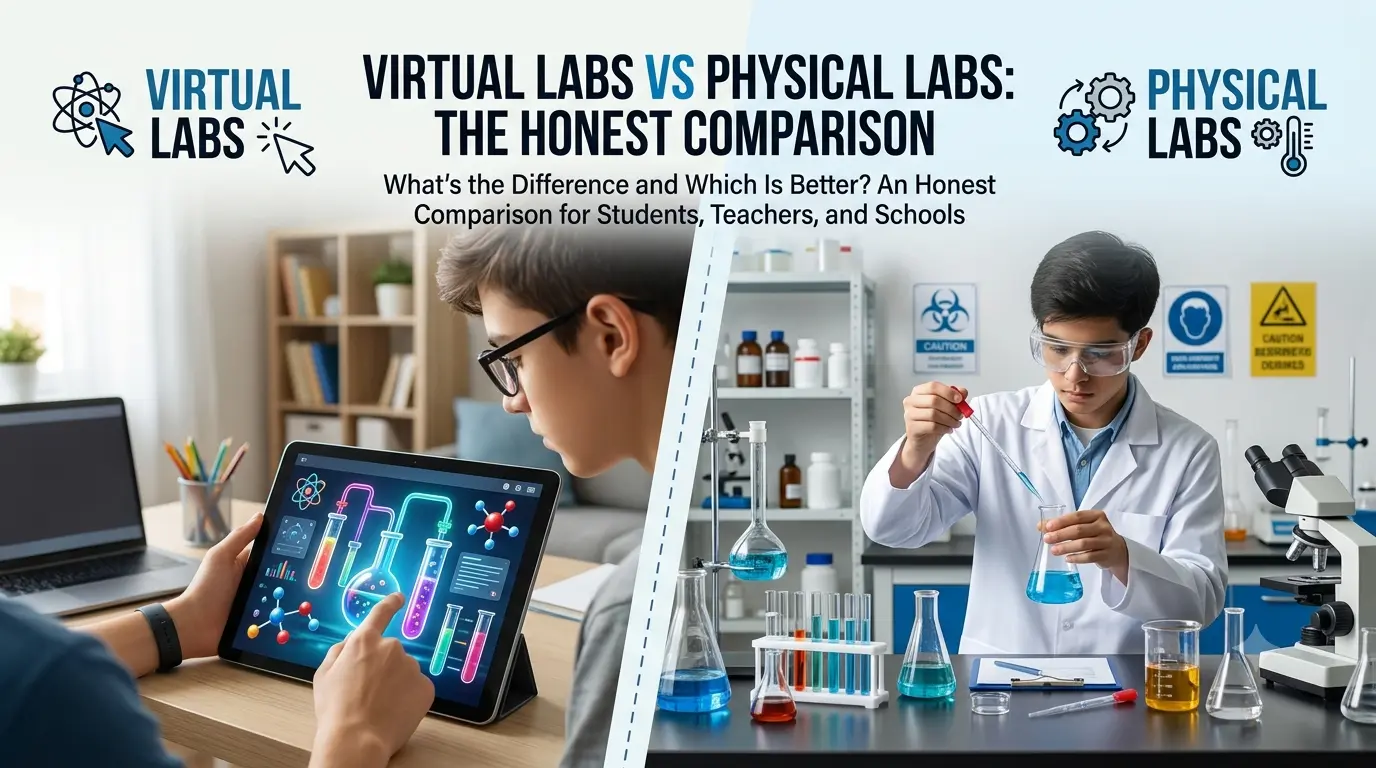
In physical labs, students learn to handle equipment, follow safety rules, measure carefully, and work with real-world uncertainty. Those are valuable experiences a virtual lab can't fully reproduce — no texture, smell, delay, or measurement challenge translates perfectly to a screen. It's better to treat virtual labs as a flexible way to visualize concepts, practice procedures, and prepare for deeper work, not as a full substitute for hands-on time.
This distinction matters most in chemistry and biology. A chemical bonds module can help students see how atoms connect and why certain structures form. A reaction simulator can help students recognize patterns before they meet real chemicals in a supervised setting. A cell model can show the parts of an animal or plant cell clearly, especially with labels and zoomed views available. But these tools work best framed as supports for learning — not as proof that hands-on lab work is no longer necessary.
Virtual labs also make assessment more practical. A teacher can ask students to submit observations, answer concept questions, complete a mini-project, or explain the result of a simulation — tasks that reveal more thinking than a multiple-choice check. After a wave activity, a student might explain how changing wavelength affected the pattern they saw. After a coding task, they might describe which line changed the output and why.
Project-based learning fits naturally here. A mini-project might ask students to design a simple webpage, compare motion paths under different launch angles, or write a short report on cell organelles — connecting the lab activity to a finished piece of work that can sit in a learning portfolio over time.
For teachers, the strongest use of virtual science labs is usually blended: explain the concept, run the simulation, ask students to predict and record, then discuss results. For self-learners, the same pattern works solo — read a short explanation, test the idea, write what happened, then try a different input.
The goal isn't to make science feel smaller or easier than it is. It's to make the invisible parts easier to see, and the first step easier to take.
Try It Yourself
OpenLabs has 25+ free, browser-based labs across physics, chemistry, biology, and computer science — no sign-up walls to explore, no software to install. Pick one question you've been curious about and test it: