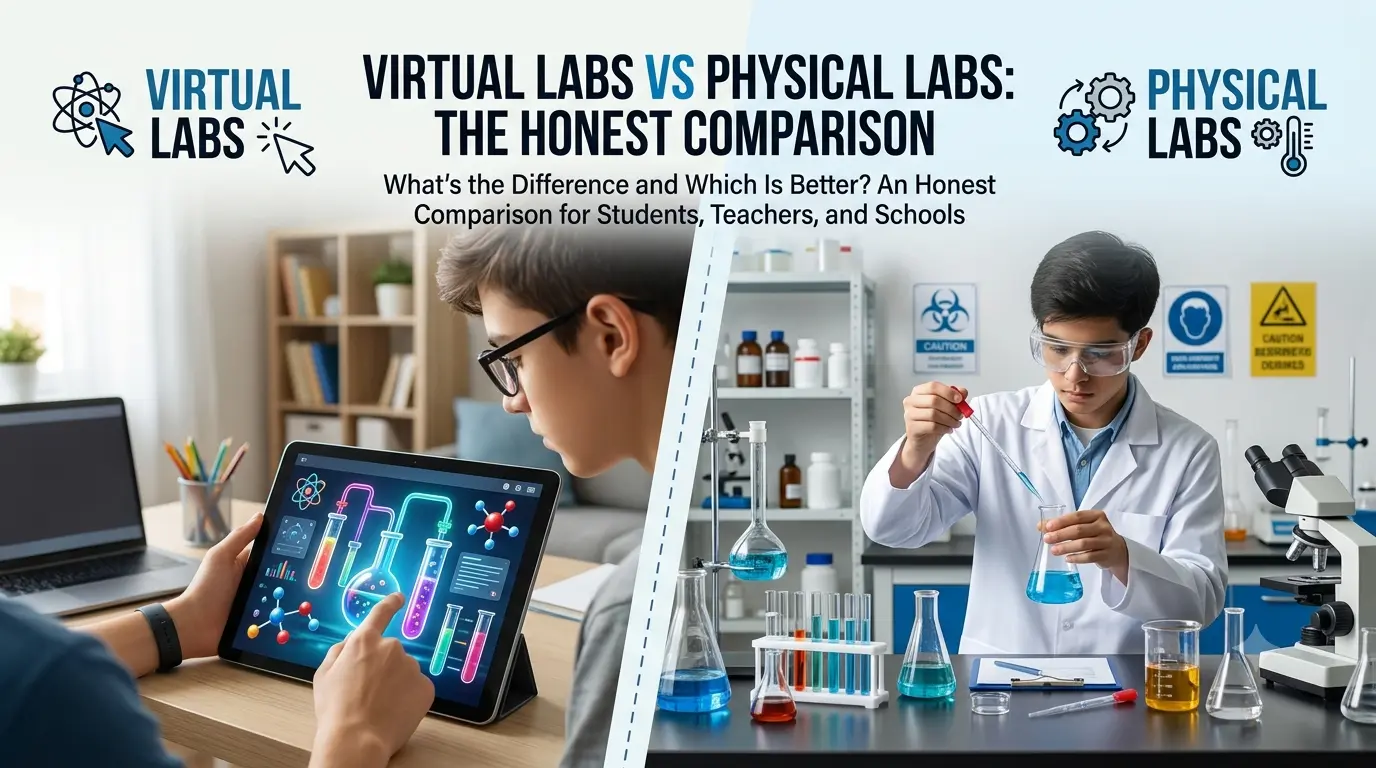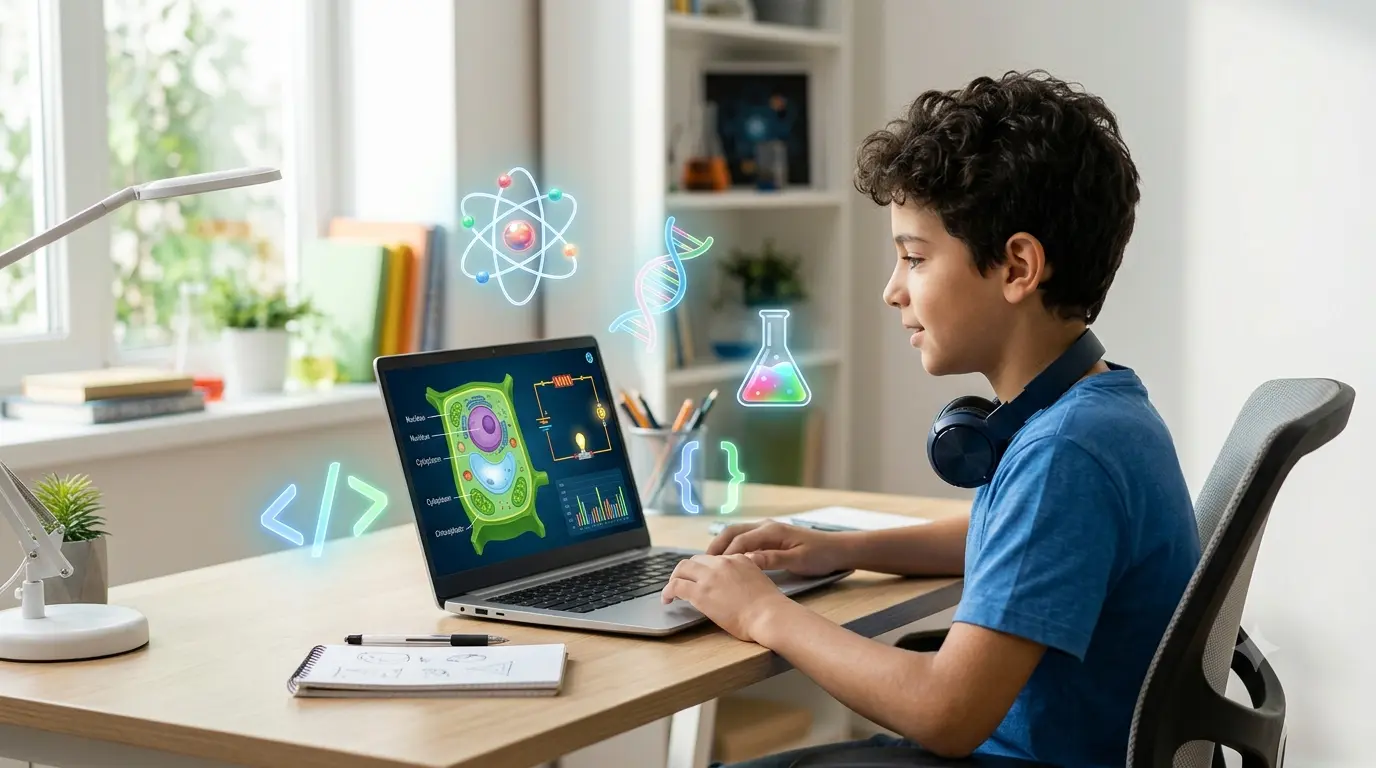
You understand the formula, but the experiment still feels fuzzy. Maybe your school lab is booked, your materials are missing, or you're studying from home and need to see the concept in action before it clicks.
TL;DR: A virtual science lab turns a scientific model into something you can control inside a browser — you change a variable, the simulation updates in real time, and you watch the result. This post walks through exactly how that works mechanically, what a guided classroom lesson looks like, and how to get the most out of a session whether you're a student, a teacher, or studying solo.
What Actually Happens Inside a Virtual Lab
A virtual science lab is built around a simulation: a working computer model of a real process, wired up so you can change an input and immediately see the output respond. That's the mechanical core of it — input, model, output, repeat.
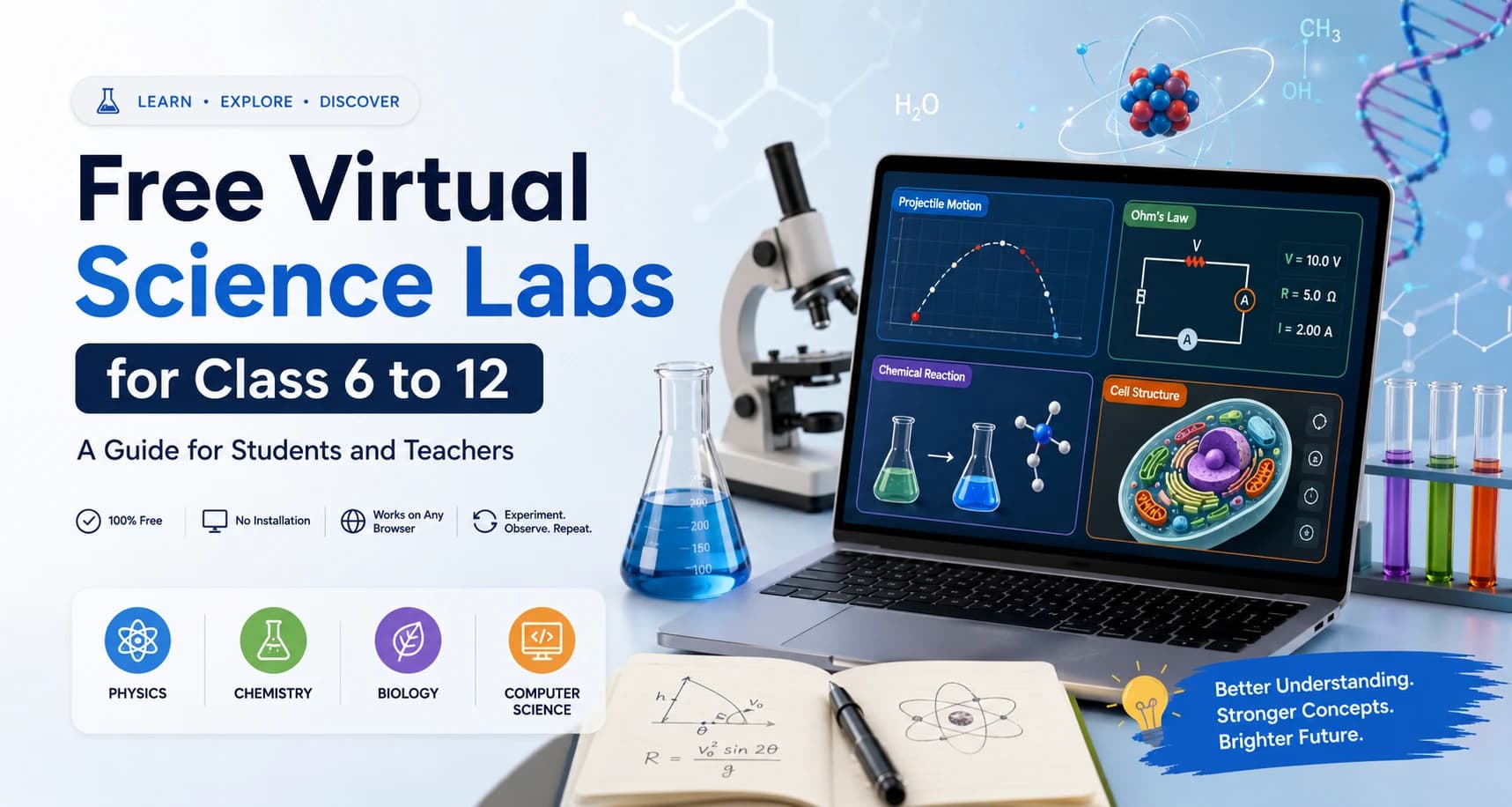
OpenLabs runs this pattern across physics, chemistry, biology, and computer science, entirely inside a modern web browser, with no software install required.
Here's what that looks like step by step in a typical lab:
- You're given a guided setup — a stated aim, the variables you can control, and often a short method, similar to a physical lab sheet but sitting right next to the simulation.
- You adjust one variable. In a projectile motion lab, that might be launch angle or initial speed. In an Ohm's Law circuit, it's voltage or resistance.
- The model recalculates and the visual updates immediately — a trajectory redraws, a current value changes, a reaction animates, a logic gate flips its output.
- You record what happened, change the variable again, and compare.
That loop — adjust, observe, compare — is the entire mechanism. It's also why virtual labs are repeatable in a way physical labs often aren't: there's no equipment to reset, no chemicals to waste, no waiting for the next available lab slot. You can run the same experiment five times in five minutes and actually see the pattern emerge across attempts, not just in a single run.
The Technical Side: Why Browser-Based Matters
Virtual labs work by rendering a model — built with the same web technology as any interactive website — directly in your browser, with no separate application needed.
That has a few practical consequences worth knowing before you rely on one for class:
- Most labs run on any modern desktop or tablet browser. No installation, no account required for basic access in most cases.
- 3D or physics-heavy modules ask more of your device. An animal cell structure model rendered in 3D, or a circuit simulator with real-time graphing, performs best on a recently updated browser. Older devices or browsers may lag or fail to render certain elements.
- Screen size changes the experience. Sliders, draggable variables, and detailed diagrams are easier to use on a laptop or tablet than a phone. If you're planning a classroom session on shared devices, it's worth a quick test run first — check load time, screen size, and whether students can actually read the labels and enter values comfortably.
None of this is a reason to avoid browser-based labs — it's just the practical tradeoff for not needing to install anything. Knowing it in advance saves you from troubleshooting mid-lesson.
What a Guided Classroom Lesson Looks Like
The biggest difference between a virtual lab that teaches something and one that's just a screen to click through is structure. Here's a flow that works well for a single class period:
- 5-minute concept review — force, bonding, cell structure, logic gates, whatever the lab covers.
- Prediction. Before running anything, ask students what they expect to happen when one variable changes. This is the step most often skipped, and it's the one that makes the rest of the lesson stick.
- Run the simulation. Students (individually or in pairs) test their prediction directly.
- Record and compare. A simple lab sheet — predicted result vs. actual result — works fine here.
- Short explanation task. Ask students to explain why the result matched or didn't match their prediction, not just what happened.
This same structure adapts easily to homework, revision sessions, or a rotating classroom station setup, where one group runs the simulation while another discusses results or writes up findings. Because the lab stays online, students can revisit it later for review without needing the classroom setup again.
For assessment, skip multiple-choice where you can. Ask a student to explain why a projectile travels farther at one launch angle than another, identify cell structures from a biology model, or describe how changing one logic gate input changes the output. These questions show whether a student connected the simulation to the underlying science, or just clicked through it.
Where Virtual Labs Fit Across Subjects
The same input-model-output mechanism shows up differently depending on subject:
Physics — A free-fall or projectile simulation shows how gravity, angle, and initial speed interact in real time. An Ohm's Law lab connects voltage, current, and resistance (V = IR) by letting you change two of the three and watch the third respond, which makes the formula feel like an observed pattern rather than something memorized cold.
Chemistry — A chemical bonds activity shows how atoms connect to form different structures. A reaction simulator lets you see how substances behave under different conditions without handling anything hazardous. A periodic table module supports straightforward element recognition and lookup.
Biology — Structures that are genuinely hard to observe directly — animal and plant cells, human anatomy systems — become easier to study when you can zoom, label, rotate, and repeat without waiting on a microscope station or a printed diagram.
Computer science — An HTML/CSS/JS editor lets you change one line of code and immediately see how a page behaves. A logic gates simulator shows how binary inputs (0 and 1) produce outputs through gates like AND, OR, and NOT — the same input-output mechanism as the science labs, just applied to digital logic instead of physical systems.
Getting the Most Out of a Session
A virtual lab gives you the mechanism — control, feedback, repeatability — but the learning still depends on what you do with it. A few things that consistently make sessions more useful, whether you're a student, teacher, or working alone:
- Predict before you run it. Even a guess written down forces you to commit to a model of how things work, which makes the actual result more informative.
- Change one variable at a time. Changing two things at once makes it hard to tell which one caused the result.
- Repeat at least three times with different inputs before drawing a conclusion from a single run.
- Write the explanation in your own words, not just the observation. "The range increased" is an observation. "The range increased because horizontal velocity stayed constant longer at lower angles" is the actual learning.
It's also worth being honest about what virtual labs don't replace. They're designed to safely model real lab concepts without physical materials or hazards, which makes them genuinely useful for practice, preparation, and revision — but they don't reproduce every part of hands-on lab work, like equipment handling, measurement uncertainty, or the physical safety habits that matter in a real lab setting. Treat a virtual lab as the place to build understanding and test ideas quickly, and the physical lab — when you have access to one — as where you apply that understanding hands-on.
Try a Lab Yourself
The fastest way to understand how this works is to run one. OpenLabs has 25+ free, browser-based labs — no installs, no special hardware: