PhysicsInteractive simulatorNo install

WaveOptics

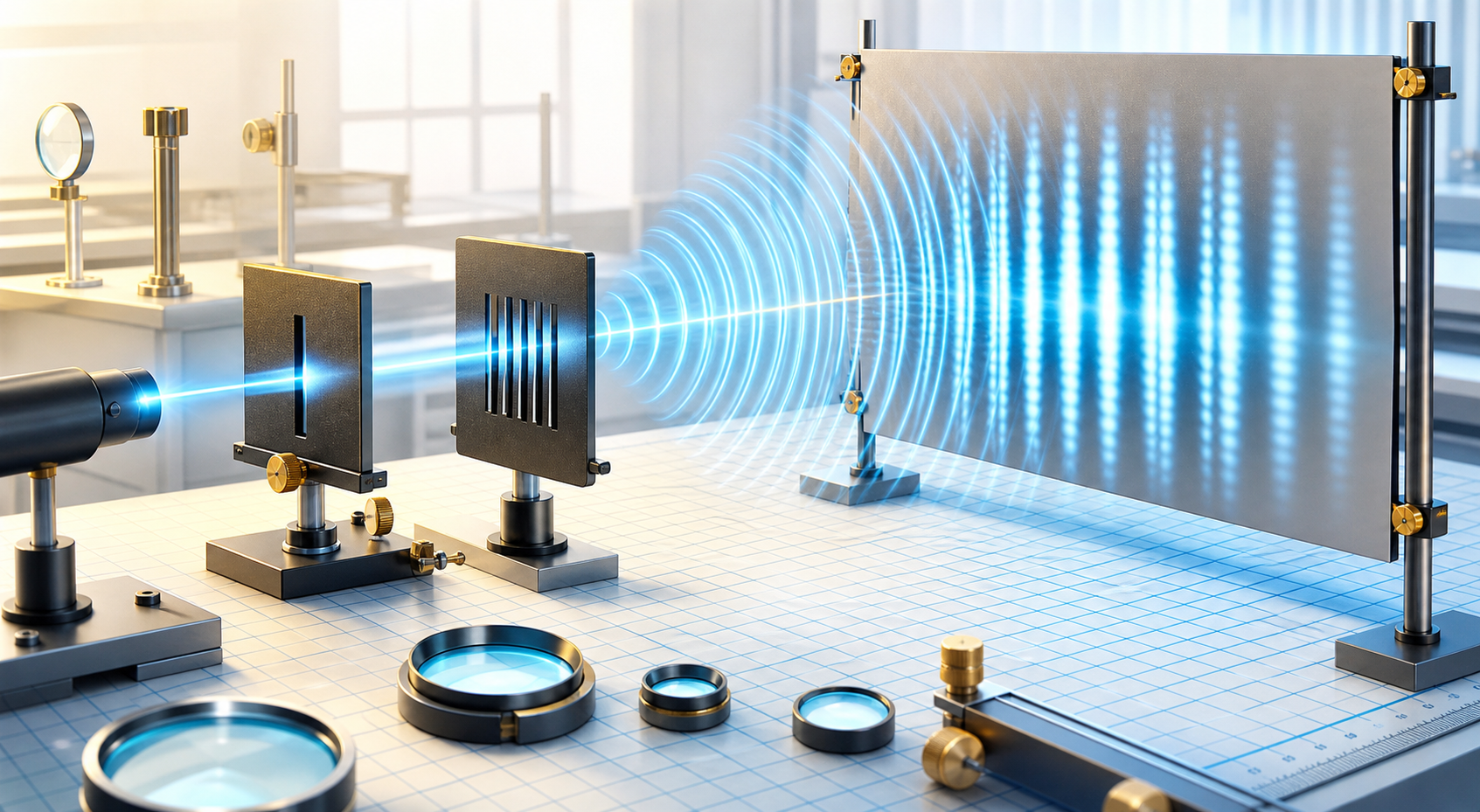
Study how light behaves as a wave. Adjust wavelength and aperture settings to observe interference, diffraction, and changing intensity patterns.

Wave Optics interactive physics lab illustration.
Wave modelWavelength, slits, intensity

Experiment guide

Use this simulator like a compact physics lab

Start with the concept, open the lab, then compare the observed motion with the key relationship. The sections below keep the theory, workflow, and common questions easy to scan.

SubjectPhysics
ModeInteractive
ModelWave model
AccessBrowser
01

Theory and background

What is wave optics?

Wave optics explains light behavior using wave principles. Interference occurs when waves combine, while diffraction describes spreading around openings or edges.

02

How the simulation works

Interactive experiment flow

Launch the lab, adjust the available controls, and observe the result immediately. Use the simulation to connect the equation with what changes on screen.

Interference conditiond sin(theta) = m lambda

Frequently asked questions

Wave Optics FAQ

4 answers
01

What is interference?

Interference happens when waves overlap and combine to create brighter or darker regions.

02

What is diffraction?

Diffraction is the spreading of waves when they pass through a narrow opening or around an obstacle.

03

How does wavelength affect fringes?

Longer wavelengths generally produce wider fringe spacing in an interference pattern.

04

Why does intensity vary?

Intensity changes because waves add constructively in some places and destructively in others.