Physics is one of those subjects that makes perfect sense when you see it happening — and makes almost no sense when you're just reading about it.
The problem is that most students never get to see it happening. You read about free fall, memorize g = 9.8 m/s², solve ten numericals, and move on. But you never actually watched an object fall and tracked its velocity in real time. You never changed gravity and saw what happened. You never built the intuition that makes the formula feel obvious instead of arbitrary.
That's not a you problem. That's a lab access problem.
Most schools don't have functional physics labs. The ones that do use them twice a semester at best. And even then, you're following a printed procedure sheet — not actually experimenting.
Here's the good news: you don't need a physical lab to build real physics intuition. You need the right approach and the right tools.
Why Reading Physics Alone Doesn't Work
Physics is a subject built on cause and effect. Change one thing, something else changes. The relationship between those two things — that's the concept.
When you only read, you're trusting someone else's description of that relationship. When you see it, you own it.
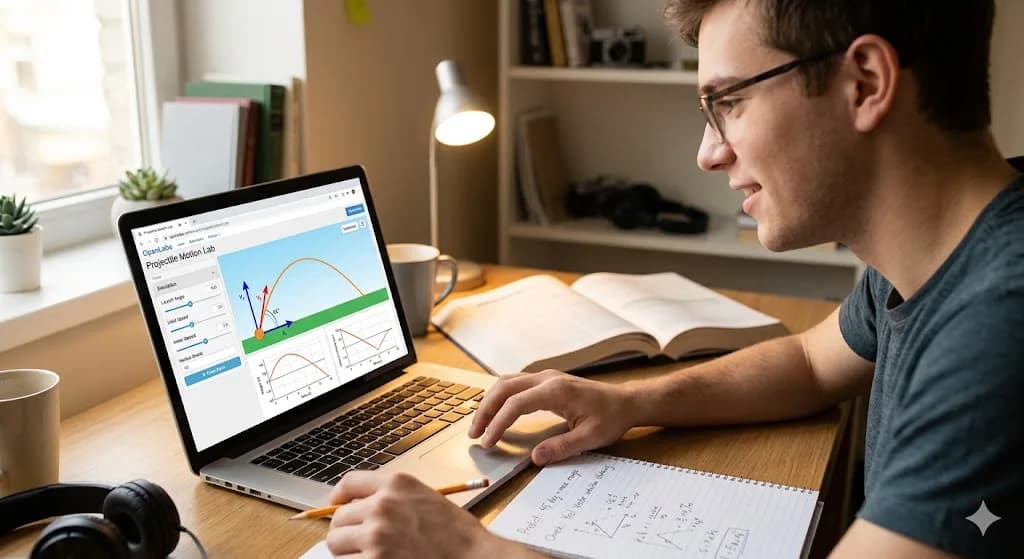
Think about projectile motion. You can read that horizontal and vertical motion are independent a hundred times. But the moment you see a simulation where you increase the launch angle and watch the trajectory change in real time — it clicks. Instantly. In a way it never does from a textbook.
This is why students who have access to labs consistently outperform students who don't — not because the lab teaches them new facts, but because it builds intuition that makes everything else easier to understand and remember.
The goal isn't to replace your textbook. It's to use interactive tools to build the intuition your textbook assumes you already have.
The Right Way to Use Physics Simulations
Most students who do use online simulations use them wrong. They open one, watch it run, close it, and feel like they've done something productive. They haven't.
Here's the approach that actually works:
1. Read the concept first — briefly Before opening any simulation, spend five minutes reading the concept. Just enough to know what you're looking at. You don't need to understand it fully — that's what the simulation is for.
2. Form a prediction Before you run the simulation, predict what will happen. Write it down if you can. "If I increase the mass of the pendulum bob, the period will increase." This step is what separates active learning from passive watching.
3. Run it and check your prediction Was your prediction right? If yes, great — your intuition is calibrated. If no — that's the learning moment. Figure out why you were wrong. This is where real understanding happens.
4. Push the parameters to extremes Don't just run the default settings. Set gravity to 1 m/s². Set it to 20 m/s². What changes? What stays the same? Extreme parameters reveal the structure of the concept in ways that default settings never do.
5. Ask why After every observation, ask why. Not "what happened" but "why did that happen." If you can't answer, that's your gap. That's what to review.
This five-step loop — read, predict, run, check, ask why — turns a ten-minute simulation session into something that sticks for months.
Physics Concepts That Click Instantly With Simulations
Not every physics concept benefits equally from visualization. Here are the ones where seeing it makes the biggest difference:
Free Fall
The concept seems simple — objects fall under gravity. But students consistently get confused about why velocity increases linearly while distance increases as a square. Watch it on a live graph and it becomes obvious immediately. Change the gravity value and watch both graphs change in real time. You'll never confuse the two again.
Try it: OpenLabs Free Fall Lab
Projectile Motion
The independence of horizontal and vertical motion is one of the most counterintuitive ideas in introductory physics. A simulation where you can independently control launch angle, initial speed, and see the x and y components separately makes it click in minutes.
Try it: OpenLabs Projectile Motion Lab
Simple Pendulum
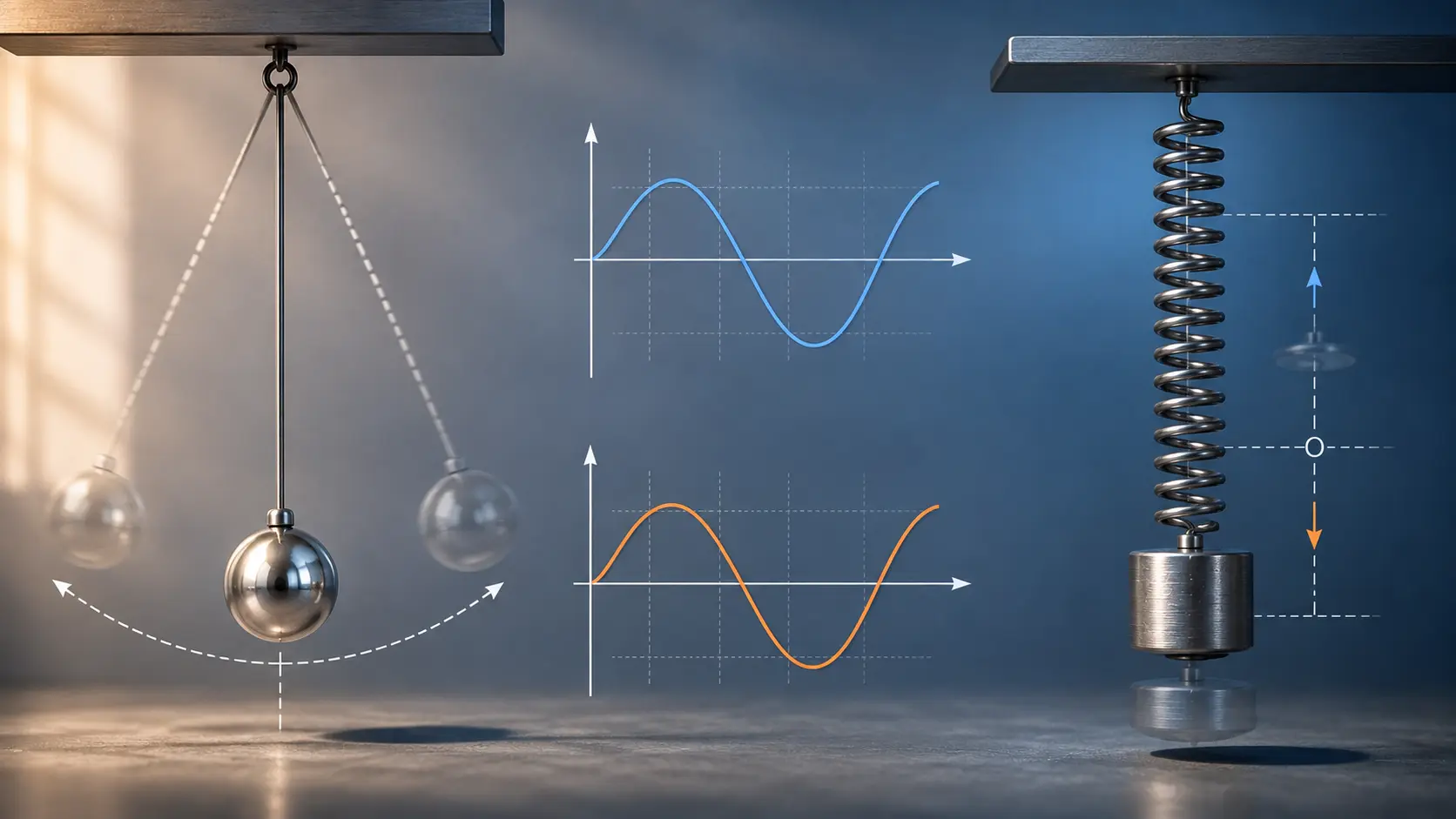
Period depends on length but not mass — this surprises almost every student the first time they hear it. A simulation where you can change both and watch the period live makes it unforgettable.
Try it: OpenLabs Simple Pendulum Lab
Hooke's Law
The linear relationship between force and extension is easy to state but hard to feel from a textbook. An interactive spring where you drag the weight and watch the extension graph update in real time makes it intuitive instantly.
Try it: OpenLabs Hooke's Law Lab
Wave Optics
Diffraction and interference are notoriously difficult to visualize from static diagrams. A live wave simulation where you can change wavelength and slit width and immediately see the fringe pattern shift makes the concept tangible in a way that diagrams simply cannot.
Try it: OpenLabs Wave Optics Lab
RC Circuits
Current, voltage, and the time constant — three things that change simultaneously in a non-linear way. Watching a live graph of charge vs time while you adjust resistance and capacitance is the clearest way to understand what the time constant actually means physically.
Try it: OpenLabs RC Circuit Lab
Building a Study Routine Around Simulations
Here's a simple weekly structure that works:
Day 1 — New concept Read the theory. Open the simulation. Use the five-step loop above. Spend 20-30 minutes.
Day 2 — Numericals Now do the problems. Your intuition from day 1 will make the formulas feel grounded instead of arbitrary. You'll make fewer errors because you understand what the numbers mean.
Day 3 — Daily challenge OpenLabs has AI-generated daily challenges in every lab. They give you a specific target to hit — for example, adjust the pendulum length so the period is exactly 2 seconds. This bridges the gap between intuition and calculation in a way that standard problems don't.
Day 4 — Review Go back to the simulation. Can you predict the output before running it? If yes, you own the concept. If not, repeat day 1.
This isn't a rigid schedule. It's a loop — concept, practice, challenge, review. You can compress it or expand it depending on how much time you have.
The AI Assistant Advantage
One thing that changes everything when studying physics alone is having something to answer your questions immediately.
When you're stuck on why the RC circuit charges faster with a smaller resistor, you don't want to wait until tomorrow's class or dig through a forum thread. You want an answer now, in context, that explains it clearly.
OpenLabs has a built-in AI assistant in every lab that does exactly this. It knows which experiment you have open, understands what you're trying to figure out, and explains it in plain language. It won't just give you the formula — it'll walk you through the reasoning.
This is the closest thing to having a physics tutor sitting next to you while you experiment.
What You Actually Need
No lab. No expensive equipment. No coaching center.
You need:
- A browser — any device works, including your phone
- The five-step loop — read, predict, run, check, ask why
- Consistency — 20-30 minutes a day beats 3-hour cramming sessions every time
Physics makes sense when you see it. The tools to see it are free, available right now, and work on any device.
Start with whichever concept confuses you most. Open the simulation. Form a prediction. Run it.
That's it. That's how physics goes from memorization to understanding.
Start experimenting on OpenLabs — free, no download required.
Have a concept you're struggling with that's not covered here? Let us know through the contact page.